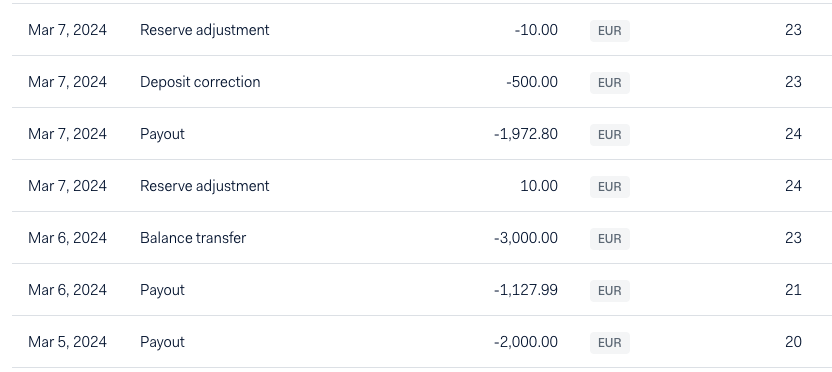
- Pending balance
- Refund reserve
- Next payout amount
- Deposit
- Negative refund allowance
- Top up your account
- Transfer funds between accounts
- Process payments
- Pay out funds to your bank account
Fund allotment
When you increase the available balance in your merchant account, the funds first go to your pending balance. After they are settled, these funds are allotted to the other balances held in that account. How these funds are allotted depends on whether you top up the account, or increase balances in another way (using a funds transfer, or by processing payments).- Use top-ups
- Use funds transfers / process payments
- Customer Area
- Balance Control API
You can top up funds in your merchant account using the Customer Area. When you do this, you can choose how to allot the funds to the balances held in that account. Choose between the following reasons:
- Funding my reserve balance: The funds are booked to your refund reserve. If the adjustment causes the funds in the reserve to exceed the reserve threshold, then we automatically increase the threshold. This ensures that the funds are not paid out with the next payout batch.
- Funding deposit held by Adyen: The funds are booked to your deposit.
- Offsetting a negative amount in my payable: The funds are booked to your pending balance, and used to cover any negative balances caused by refunds and chargebacks.
- If the pending balance or the next payout amount is negative, the funds are booked to the pending balance. Once settled, they move to the next payout amount.
- If the mandatory deposit requirements are not met, the funds are booked to the deposit.
- If the reserve balance is below the threshold, the funds are booked to the refund reserve.
-
If none of the above apply, the funds are booked to the pending balance. Once settled, they move to the next payout amount.